

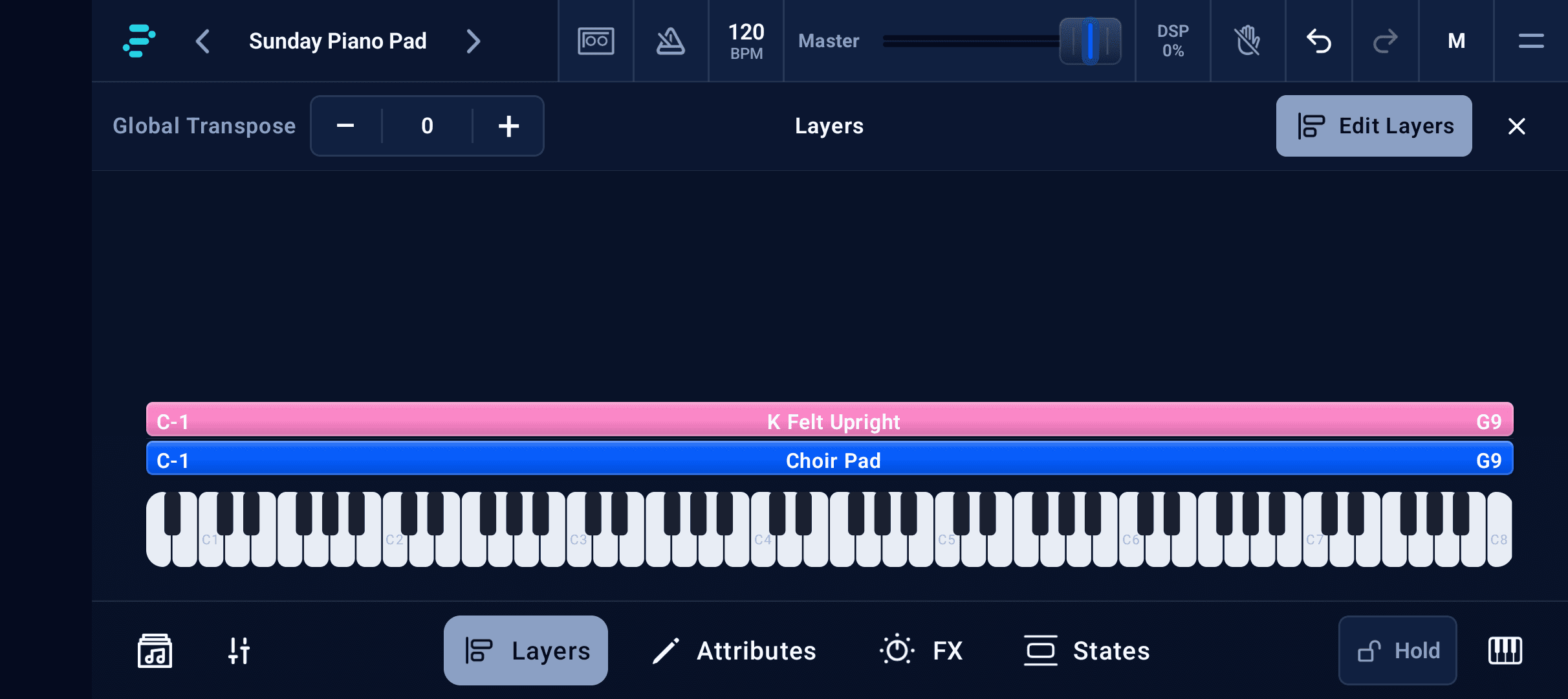
Layer and split instruments
Blend piano, pads, synths, and strings. Layer instruments, split the keyboard, and balance every part in the mixer.


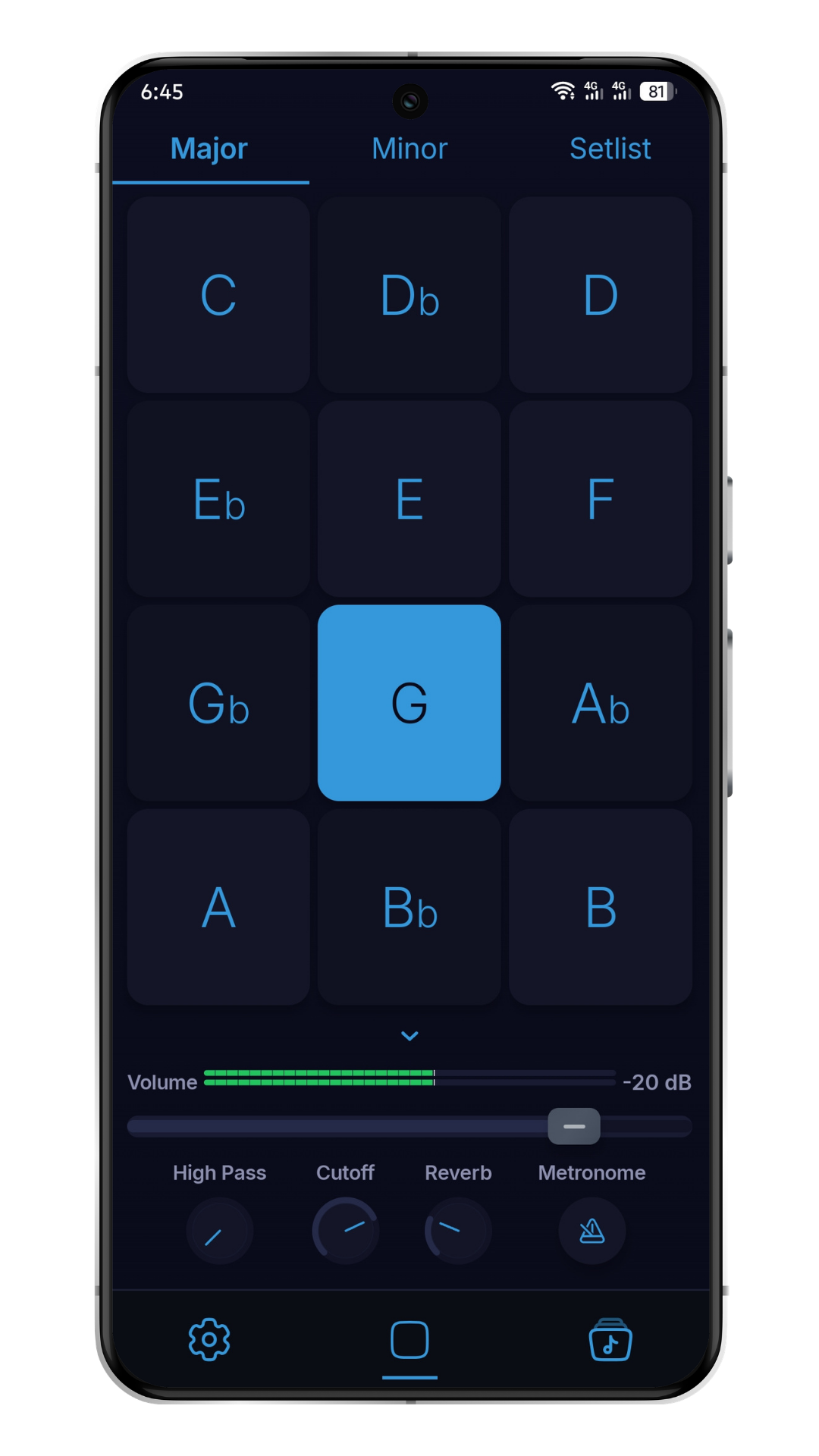
Create your sound. Set the atmosphere. Two focused apps for the musicians who lead the room.
InPraise Keys · Android
Layer piano, pads, and instruments. Shape every part, save your sounds, and bring your setup to rehearsal and Sunday.
Android
Phones & tablets
Layered instruments
Piano, pads & synths
MIDI ready
USB & Bluetooth
Free Demo
Try your first sounds
Inside InPraise Keys
Build a playable worship rig with instruments, effects, and live controls in one Android app.
Explore InPraise KeysBlend piano, pads, synths, and strings. Layer instruments, split the keyboard, and balance every part in the mixer.
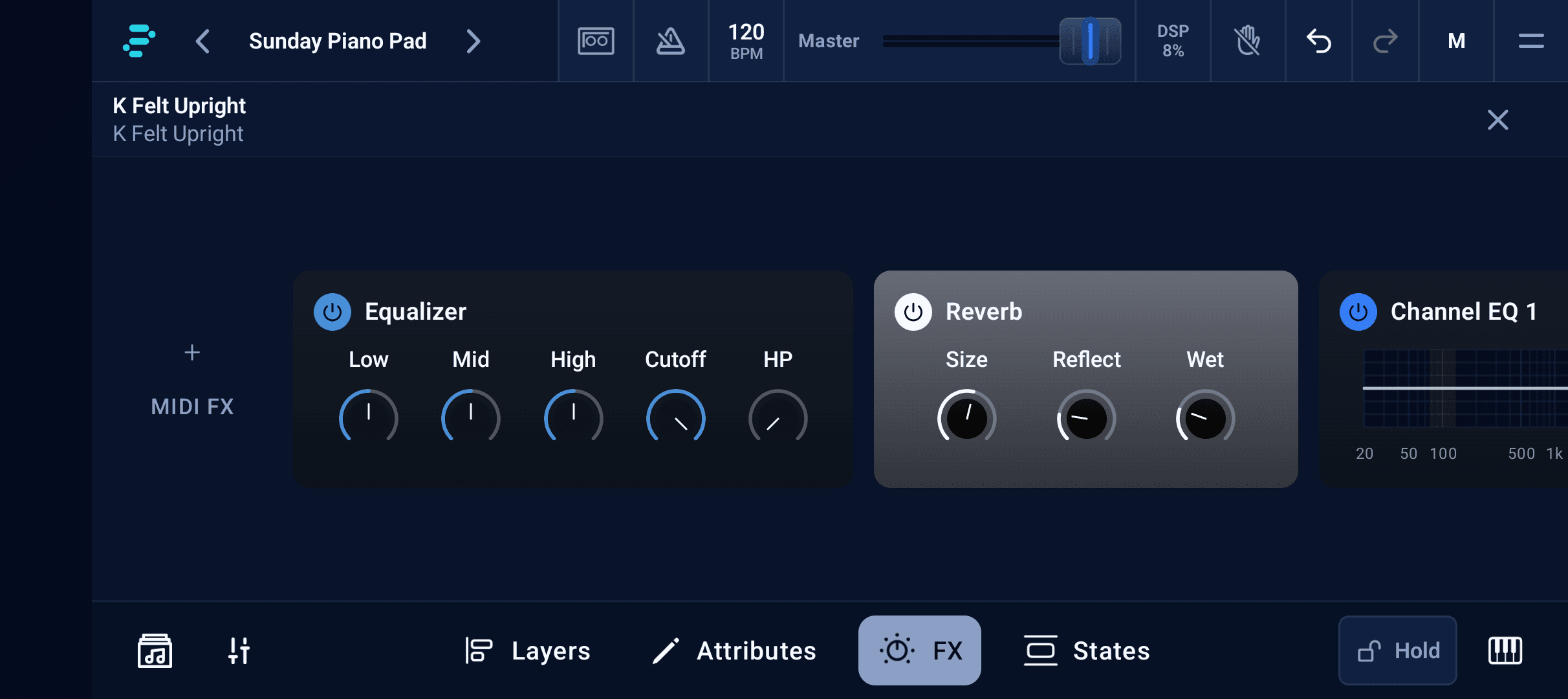
Dial in EQ, compression, chorus, echo, and reverb. Give each instrument its place, from a clear piano to a wide ambient wash.
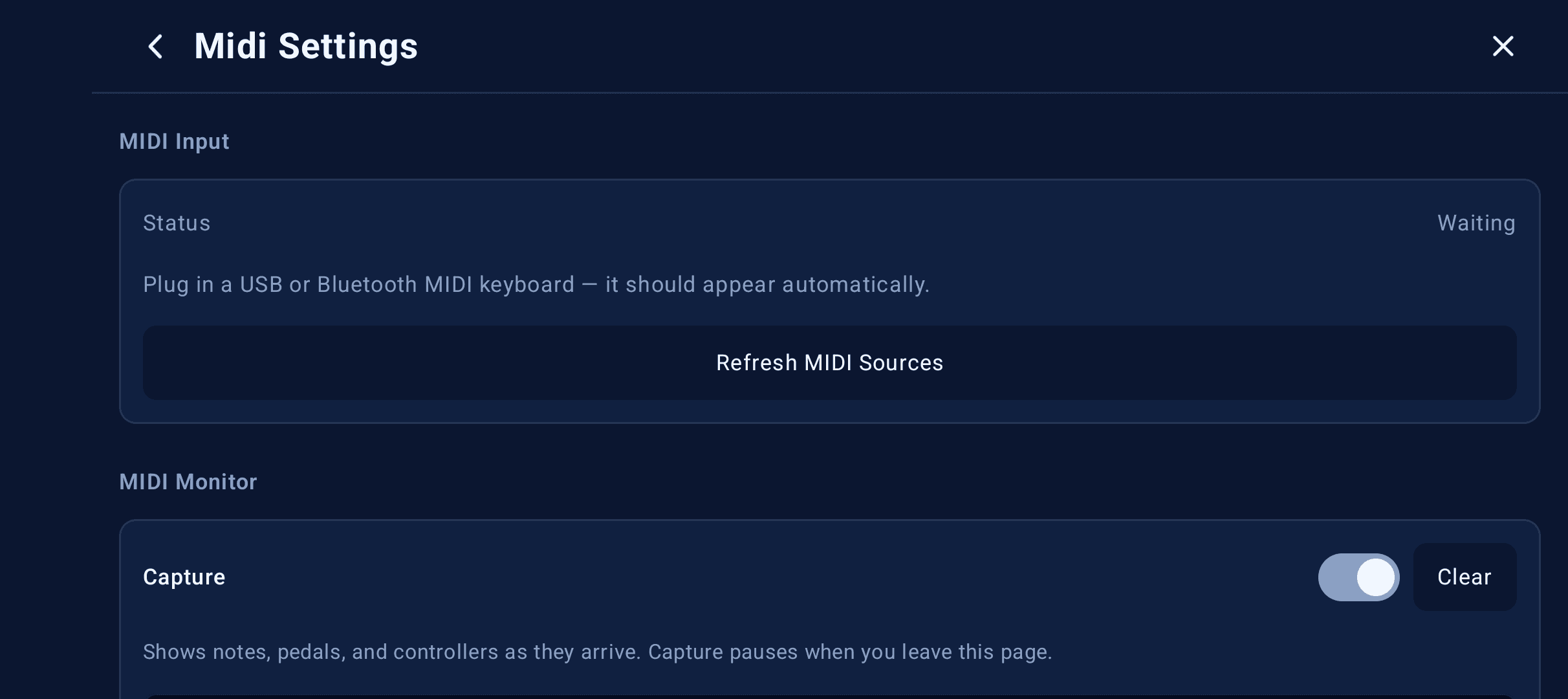
Use the onscreen keyboard or connect your MIDI controller over USB or Bluetooth. Map controls with MIDI learn on Player and above.
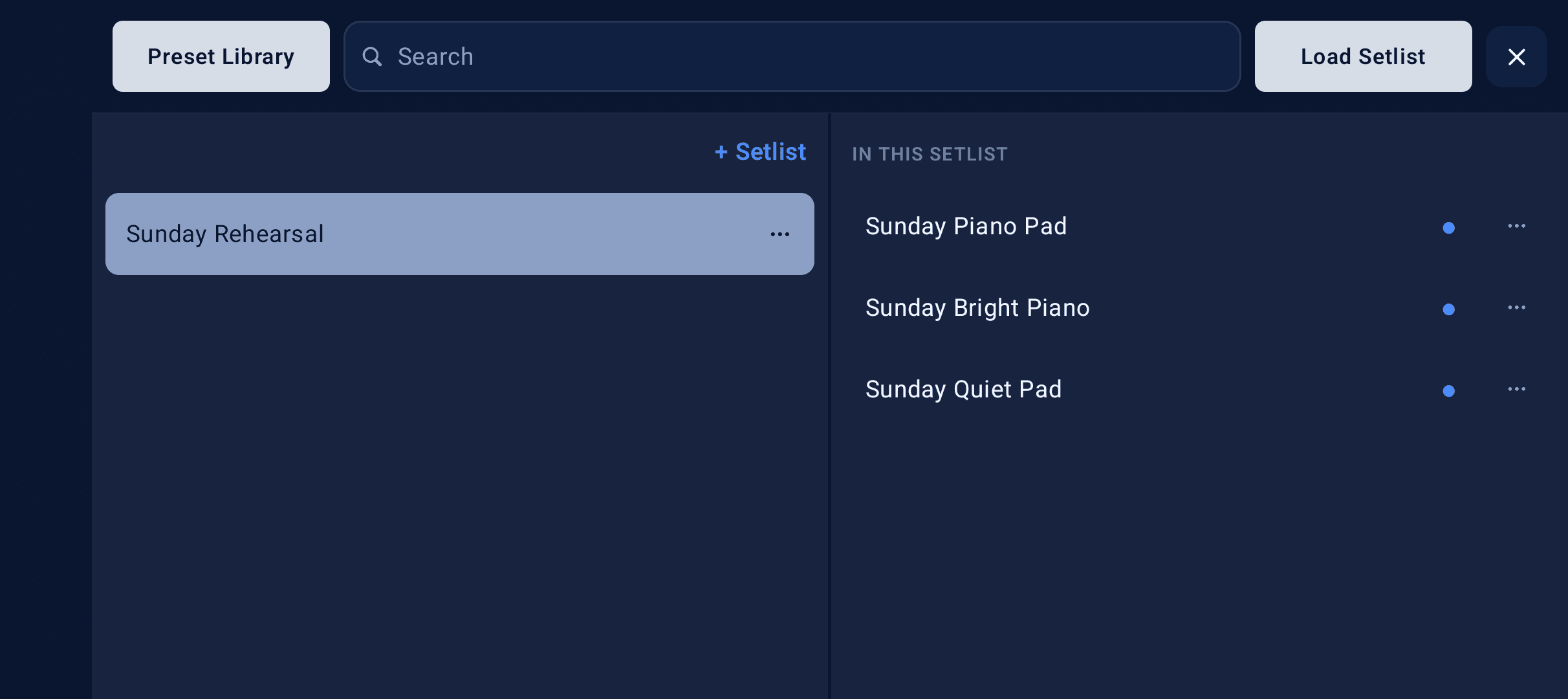
Save sounds as presets, organize songs into setlists, and recall states as the song moves from verse to chorus.
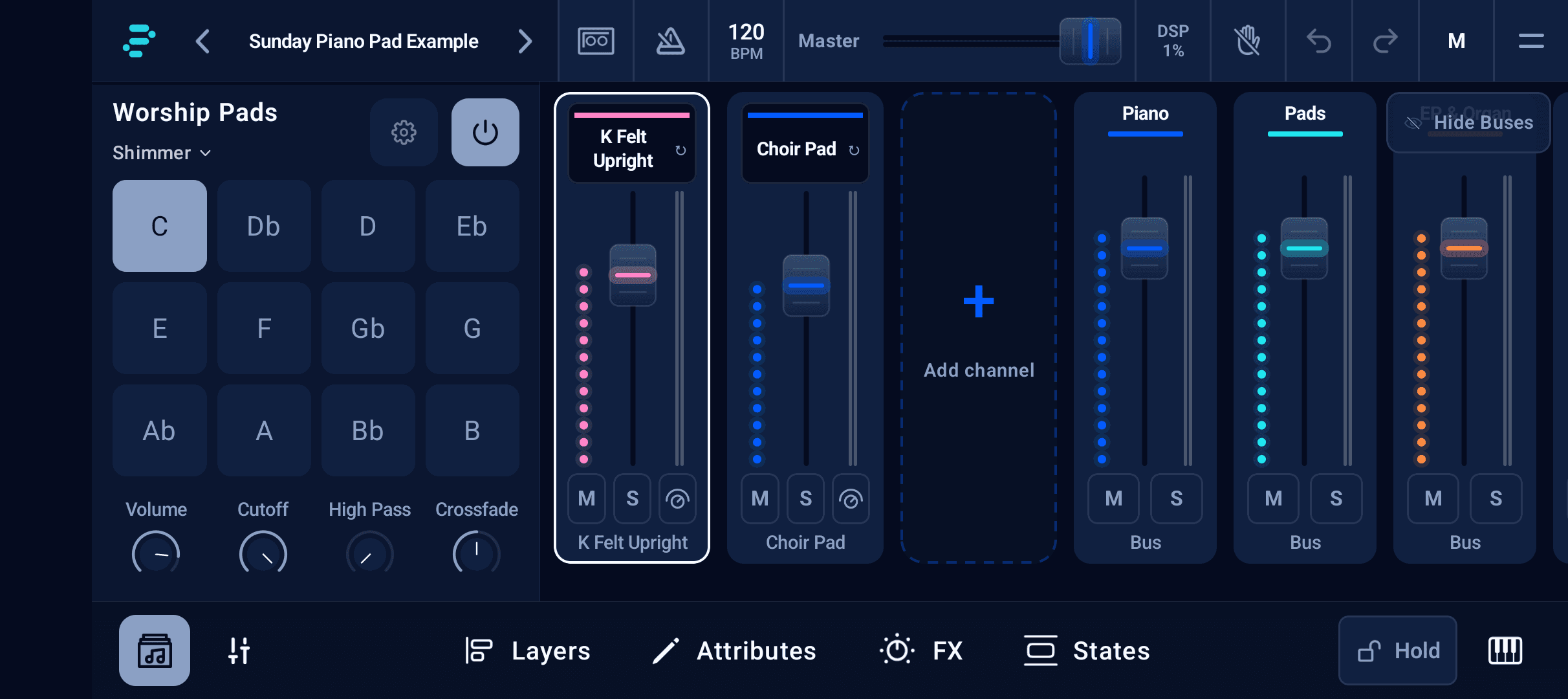
Add an ambient bed beneath your keys with the built-in Worship Pads player. Choose a sound and key, then keep playing.
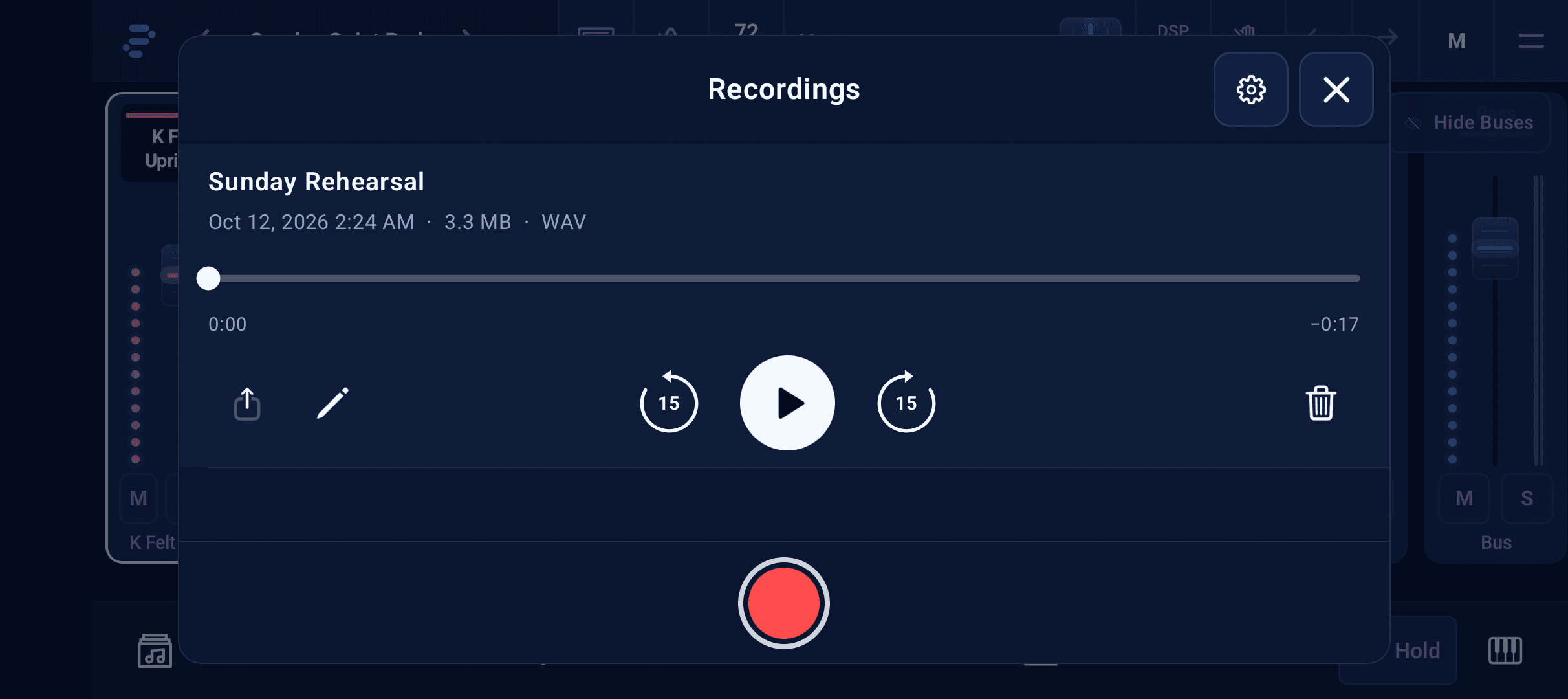
Record your playing inside the app, listen back, and share a take. Capture a rehearsal or a new sound while it is fresh.
Our apps
Build a playable instrument rig with InPraise Keys, or keep a simple ambient bed with WorshipPadsPro.
Featured app
Android
Layer piano, pads, and synths, connect your MIDI keyboard, and prepare presets and setlists for live worship.
Get it on Google PlayAmbient pad player
iOS & Android
Just need ambient pads? Tap a key, shape the tone, and keep the atmosphere flowing with a focused pad player.
Explore WorshipPadsProComing next: Piano and Pads · Classic Metronome · WorshipRigPro
Want early access? Join the beta
Learn InPraise Keys
Follow the illustrated tutorials to build a layer, connect your keyboard, and prepare your set.
01
Blend a clear piano with a soft pad, then save a sound you can return to.
Read tutorial02
Set up your controller and map the controls you want close to hand.
Read tutorial03
Organize songs and sounds, then practise recalling them before the service.
Read tutorial
InPraise Keys · Android
Get InPraise Keys for your Android phone or tablet. Start with Free Demo, then choose the one-time upgrade that fits your setup.
Free Demo · One-time upgrades · No subscription
Just need ambient pads? Explore WorshipPadsPro