

01
Build your sound
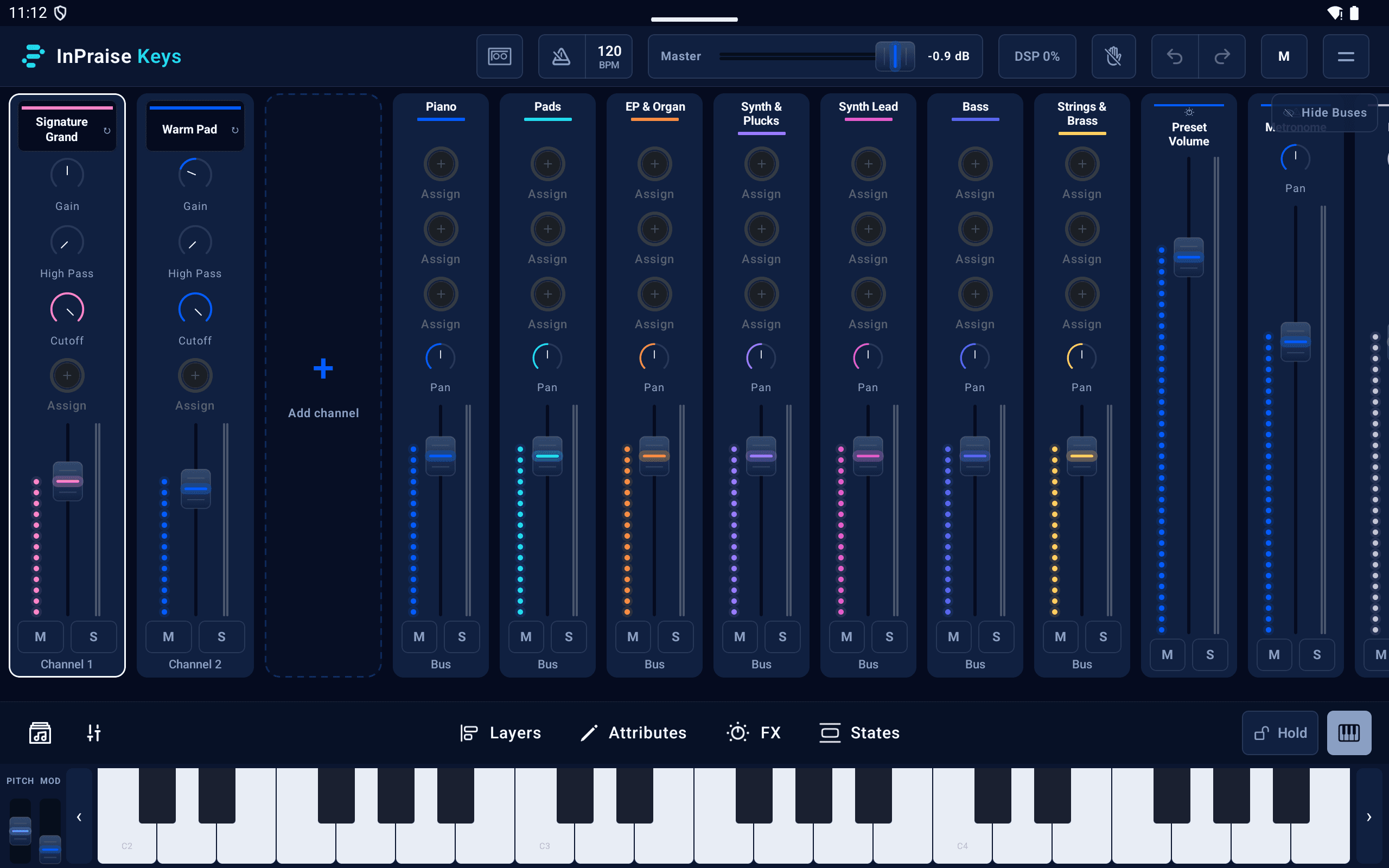
Blend instruments into a layer stack. Split the keyboard, balance each channel, and make room for every part.

InPraise Keys Android
Layer piano, pads, and synths. Shape your sound, build your set, and bring it all to life on your Android phone or tablet.
Free Demo · One-time upgrades · No subscription
A palette for every moment
Learn your rig
An illustrated manual and practical tutorials, in phone or tablet view.
Welcome to InPraise Keys
Open InPraise Keys and step into a rig built for worship. Blend piano and pads, shape your tone, and save a sound you can return to for the next song.
Find your sound
From the first idea to the last song
01
Blend instruments into a layer stack. Split the keyboard, balance each channel, and make room for every part.
02
Dial in EQ, compression, chorus, echo, and reverb. From a quiet piano to a wide ambient wash, give your sound its own character.
03
Play the onscreen keyboard or connect your MIDI controller over USB or Bluetooth. Keep the controls you need close to hand.
04
Save your sounds as presets, organize them into setlists, and recall states as the song moves from verse to chorus.
05
The built-in Worship Pads player adds an ambient bed beneath your keys. Pick a sound, choose a key, and let it carry the moment.
06
Record your sessions inside the app, then listen back or share a take. Capture the sound while the idea is still fresh.
Room for the whole rig
Give your layers, buses, and live controls a little more space. The tablet mixer brings your sound together in one view.
Take your sound with you
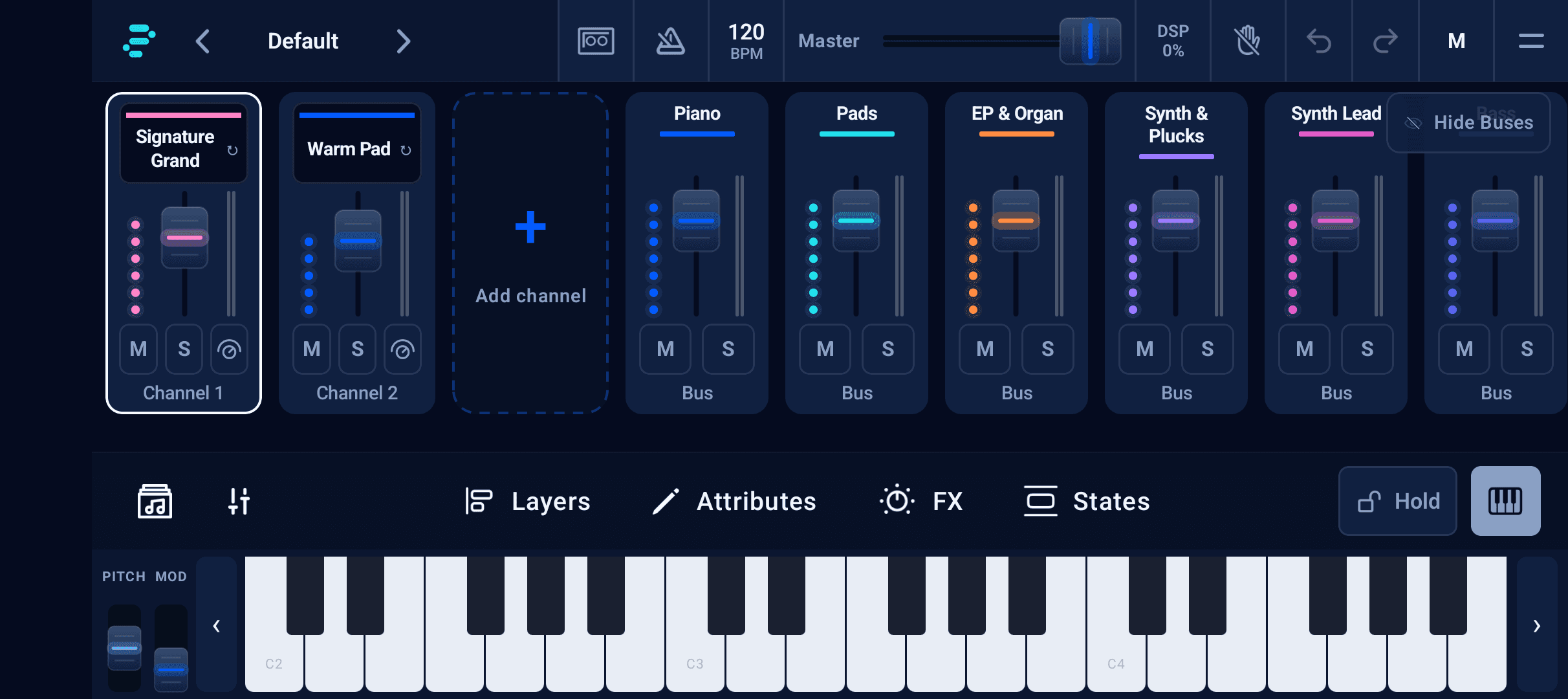
A rehearsal, a new idea, or Sunday morning. Your phone keeps the mixer, instruments, and keyboard right there with you.
Find your starting point
Try your first sounds, then choose the instruments and features your rig needs. Player, Stage, and Pro are one-time upgrades.
Free Demo
A starter selection of instruments and Worship Pads, four mixer channels, and 20-minute sessions. Some keys are disabled in the demo.
Player · Stage · Pro
Expand your instruments and channels, unlock more effects and preset tools, and explore deeper sound controls.
Compare plans and pricingA few things to know
InPraise Keys runs on Android phones and tablets. The mixer is designed for landscape, giving your instruments, faders, and keyboard room to breathe.
Yes. InPraise Keys supports USB and Bluetooth MIDI, so you can play from your controller and use MIDI learn to map controls to your rig.
Yes. Free Demo includes a starter selection of instruments and pads, with 20-minute sessions and some keys disabled. Player, Stage, and Pro are one-time upgrades that expand the instruments, channels, and features available to you.
WorshipPadsPro is a focused ambient pad player. InPraise Keys is a playable instrument rig with layered sounds, a mixer, effects, MIDI, and a built-in Worship Pads player. Choose the app that fits how you lead.

Get InPraise Keys for your Android phone or tablet.