InPraise Keys 1.3: Steadier Connections, Bus EQ and Close App
InPraise Keys 1.3 is now on Google Play. This release focuses on reliability: your keyboard and audio interface should connect the first time and stay connected through the whole service. It also adds an equalizer on buses and a few welcome conveniences.
USB keyboards and audio interfaces
- Keyboards that only play at 44.1 kHz, including many Yamaha keyboards, now start on their own. The app switches to 44.1 kHz and remembers it.
- If one USB driver can't play your interface, the app tries the other one for you and tells you it's doing so. Your saved driver choice doesn't change.
- Keyboards with both audio and MIDI ask for permission once, not twice.
- Your keyboard's keys keep working even if its USB audio can't start.
- USB audio no longer fails when Android briefly refuses to open a device right after you allow it. The app simply tries again.
MIDI that reconnects itself
- If your keyboard stops responding while it's still plugged in, the app reconnects it for you. You'll only see "Reconnect the keyboard" if that doesn't work.
- A keyboard you plug in while the app is in the background now asks for permission when you return, instead of staying silent.
- The mod wheel always moves, even when you've also used it for a MIDI Learn assignment.
- Unplugging a keyboard no longer shows a "MIDI input stopped" warning.
Mixer improvements
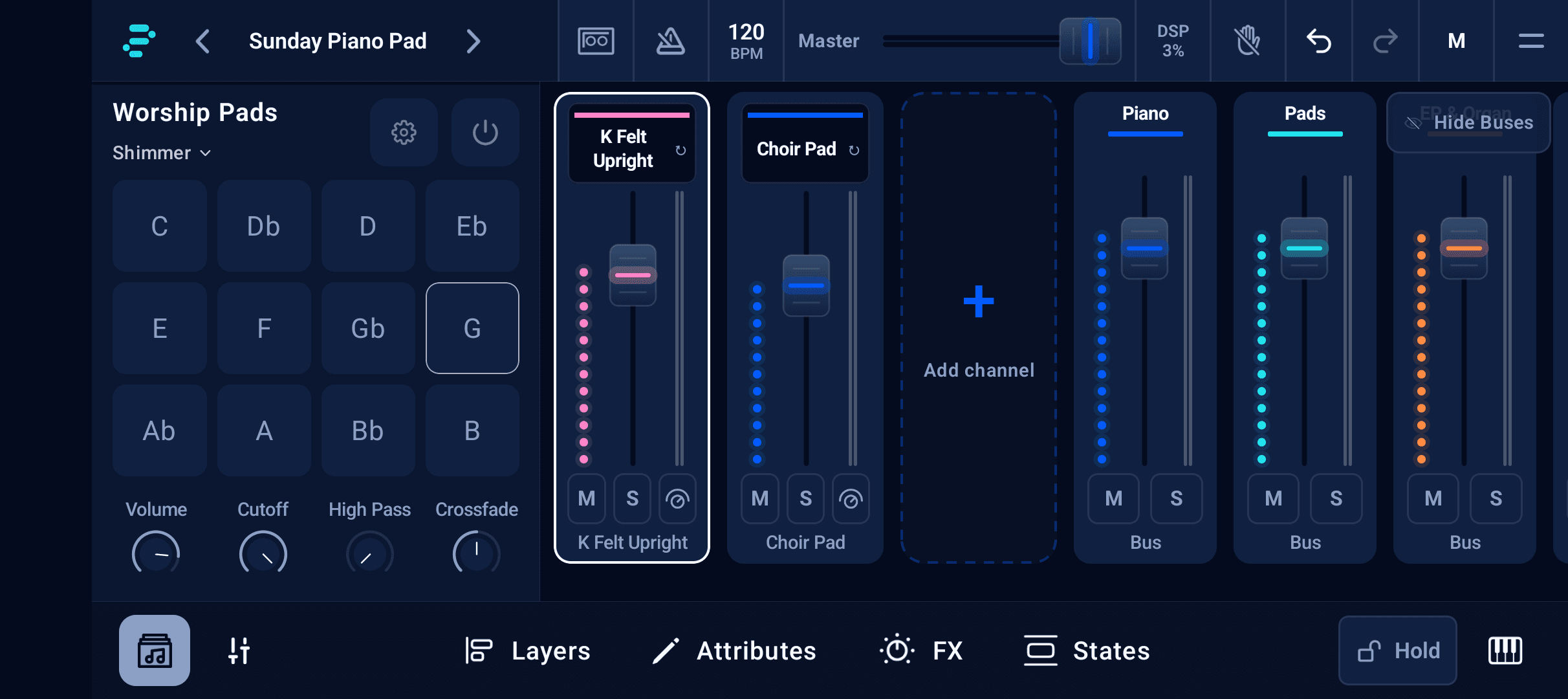
- Buses can have an Equalizer, first in the bus's FX rack just like on a channel, with Quick Controls and mod-wheel targets.
- Rearranging channels keeps your settings in place. Mod-wheel mappings and State solos move with their channel, and deleting a channel removes its mappings so the next channel doesn't inherit them.
- The channel envelope (ADSR) is now a card with its own on/off switch. Tap it to edit in a larger window.
- Worship Pads: a pad key you tap while a preset is loading now stays put instead of jumping back to the preset's saved key.
Steadier in the background
Phones that pause apps in the background, such as some Xiaomi, OPPO and realme models, caused the sound engine to restart often. While nothing is playing, InPraise Keys now waits quietly, then resumes the moment you play, without losing your first notes.
Settings and support
- Close App in Settings, with a confirmation, for when you want to fully stop the app after a service.
- Your master volume is remembered after closing or restarting the app.
- Email customer support now opens with your app version, phone and audio setup already filled in, so we can help faster.
- Report a problem shows its progress, and an interrupted upload picks up where it stopped.
Update InPraise Keys on Google Play. If you're setting up a USB keyboard or interface for the first time, the gear and connections guide walks through the essentials.
InPraise Keys FAQ
My Yamaha keyboard used to send sound to the phone speaker. Is that fixed?
Many Yamaha keyboards only play at 44.1 kHz. InPraise Keys 1.3 detects this, switches to 44.1 kHz on its own and remembers it, so the sound stays on your keyboard.
Can I add an EQ to a bus?
Yes. From 1.3, buses can have the Equalizer as the first effect in their rack, with Quick Controls and mod-wheel targets.
Get InPraise Keys on Google Play
Your worship rig for Android phones and tablets. Start with Free Demo, explore the instruments, and choose a one-time upgrade when you're ready.